TITAN INSTALLATION · READY TO GO
OpenClaw without four days of configuration.
Ready. Free.
TITAN combines in a single journey the installation of OpenClaw, essential tools, memory, protections, backups and tests. You see what happens at each step and you get a documented system, usable in writing or by voice message.
- One-off payment
- No FUSIALAB subscription required
- Resume after restart
- First backup included
- Secrets entered by you
THE REAL PRODUCT: TIME AND A HEALTHY BASE
Start working without understanding everything before you begin.
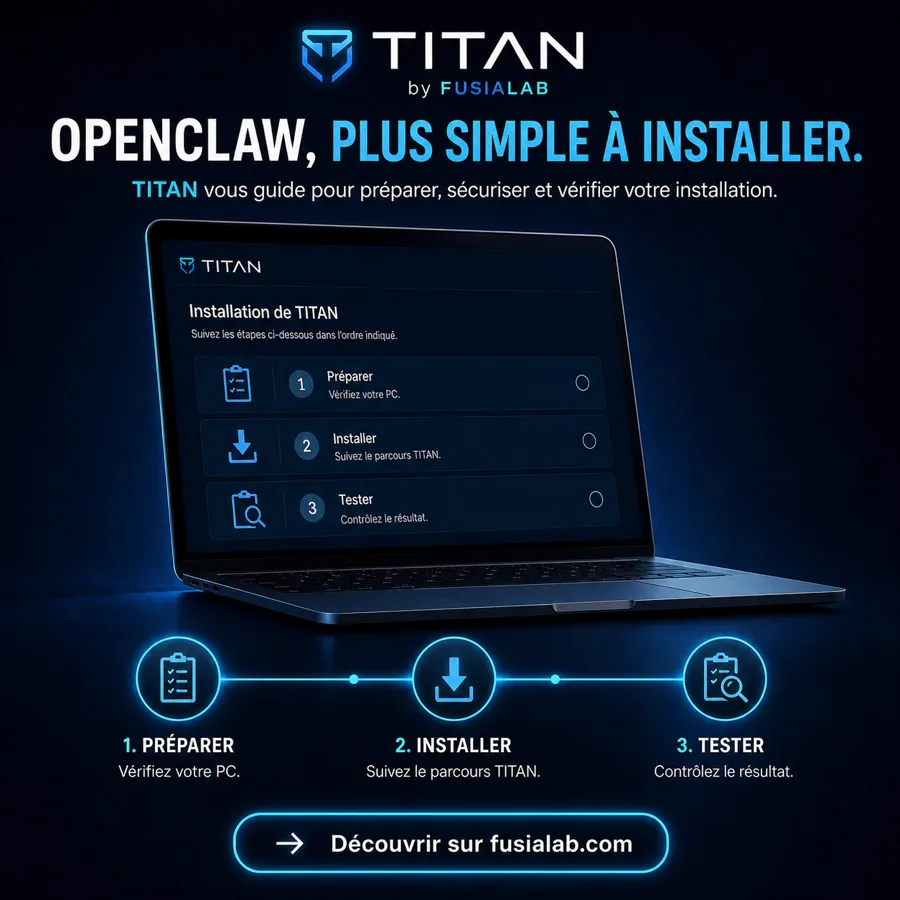
OpenClaw is powerful, but a useful installation requires more than a command: Linux environment under Windows, compatible versions, AI model, chat channel, permissions, memory, local tools, security, tests and backup. TITAN prepares this set in the correct order.
Type or send a voice message
Discuss from the configured channel and use local transcription when your hardware allows.
No need to re-explain everything
Rules, preferences, decisions and projects are stored in a memory that you can review and edit.
From idea to file
Prepare letters, spreadsheets, images, websites, scripts or prototypes with the tools you authorise.
Query your documents
OCR, extraction and indexing help to find information in the folders you have entrusted to the assistant.
Delegate the repetitive tasks
Reminders, checks and reports can be scheduled with a duration, limited trials and a stop condition.
Add capabilities later
You keep your base and choose your models, services and tools. FUSIALAB does not lock you into a subscription.
THE FULL JOURNEY
What happens, phase by phase.
The interface displays the actual step, its log and a synchronised percentage. If Windows needs to restart to enable WSL 2, TITAN announces this then resumes automatically upon reconnection.
Diagnostic
Checking Windows, administrator rights, processor, RAM, storage, virtualisation, network and existing components.
CompatibilityWindows and WSL 2
Activation of Windows components, installation of Ubuntu, dedicated Linux account and private folders. The mandatory restart is announced and the resumption is scheduled.
Automatic resumptionEssential tools
Update of Ubuntu followed by installation of validated tools for code, documents, audio, backups and local databases.
Local baseOpenClaw and AI model
Validated version of OpenClaw, main agent, local gateway and connection to the chosen provider. You perform all sensitive authentications yourself.
AssistantWhatsApp and voice
Connection guided by QR code. A genuine text exchange followed by a voice exchange serves as proof: a simple line 'installed' is not sufficient.
Real testRules and memory
Identity, preferences, permissions and memory in five layers. Secrets remain in separate storage.
CustomisationSecurity
Private permissions, firewall, services limited to the local computer, versions, memory writing and tools are controlled.
SafeguardsBackup and review
First backup, final report, Windows shortcuts, manual and role of each component. The window ends with a clear result.
AutonomyYour installation is yours
You add your projects and freely choose third-party services. TITAN-compatible updates prevent starting from scratch.
No subscription FUSIALABIMAGE-BASED INSTALLATION
Prepare, verify, install and begin.
WHAT TITAN INSTALLS
A tool for every need.
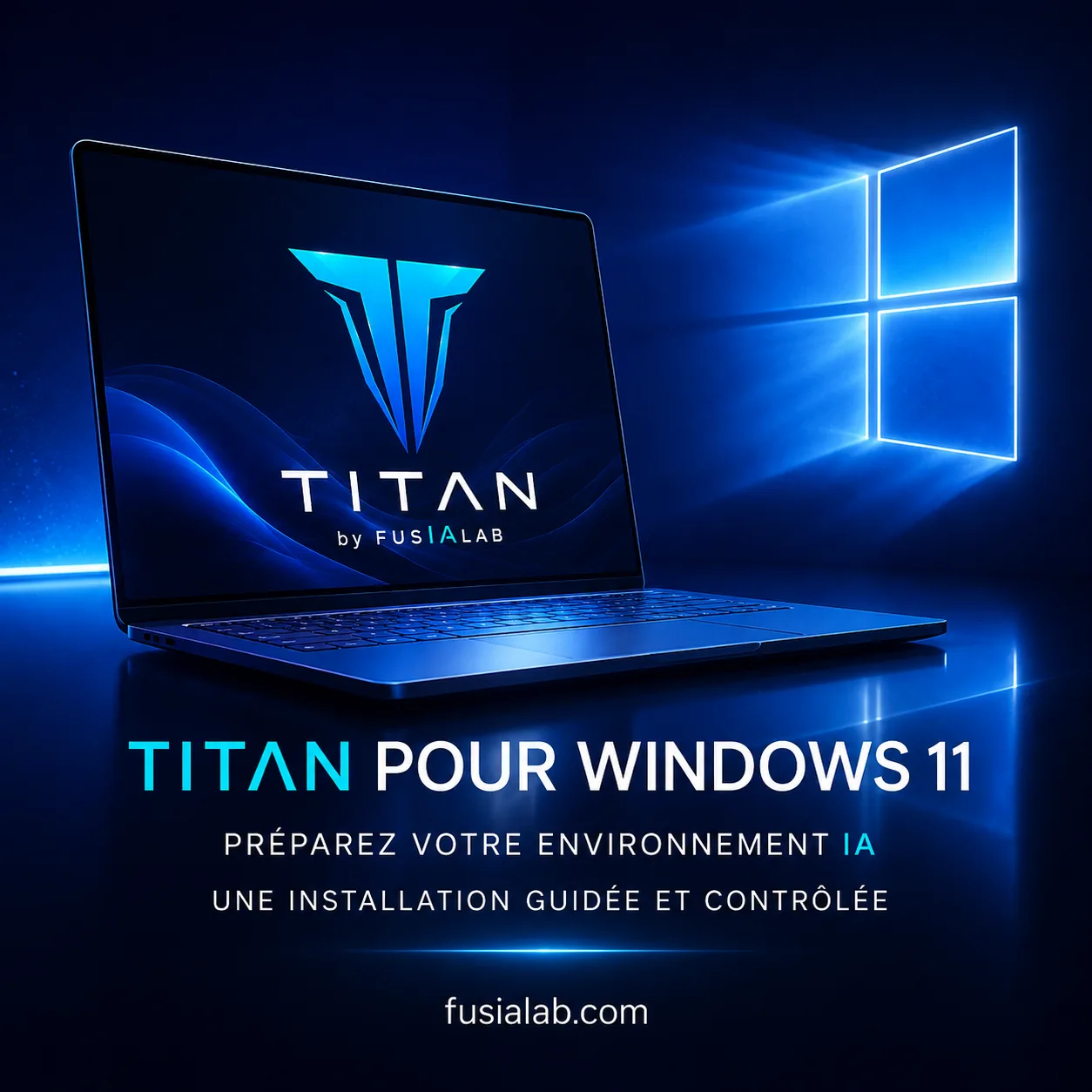
The exact selection depends on the hardware, licences and version TITAN. The current Windows/WSL base plans and checks:
- 1OpenClaw
Conversations, tools, memory, channels and automations.
- 2WSL 2 + Ubuntu
Consistent and reproducible Linux environment in Windows.
- 3Ollama
Local AI models tailored to measured performance.
- 4Faster-Whisper + FFmpeg
Local transcription of audio and audio conversion.
- 5OCRmyPDF + Tesseract FR/EN
Searchable text in permitted PDFs and images.
- 6SQLite + DuckDB
Local indexing and analysis of structured data.
- 7Restic
Verifiable backups of configuration and memory.
- 8Git, Python/venv, Node.js/NPM and VSCodium
Base for creation, adaptation, versioning and control.
- 9UFW and network controls
OpenClaw and Ollama are restricted to the local computer by default.
OPTIONAL CREATIVE TOOLS
You choose what serves your projects.
These free software programmes may be offered, but are not mandatory. Their installation depends on your choice and controlled compatibility.
IN THE END, NOTHING IS HIDDEN
You know what is installed and what it is for.
A ready and documented base
- Final screen with components and their roles
- Shortcuts to open, control and save TITAN
- Manual in French and essential commands
- Validation report with no secrets
- First backup and restoration procedure
- Filtered SAV export if necessary
No hidden dependencies
- No mandatory monthly FUSIALAB subscription
- No passwords, tokens or QR codes stored
- No permanent access to your computer
- No AI provider subscription included
- Docker, n8n, Paperless-ngx, Open WebUI and SearXNG excluded from the current base
- No guarantee of absolute compatibility or security
The price of TITAN is not the price of the AI.
The €49 covers the TITAN automatic kit. You then choose your models: free locally when your PC allows, or via a third-party provider, free or paid. Any costs incurred remain between you and the chosen provider.
QUESTIONS BEFORE GETTING STARTED
What « ready to work » means.
Is it genuinely a one-click installation?
TITAN automates the process, but Windows may request administrative permission, a restart, and connections that only you can confirm. It clearly sequences these steps and resumes at the correct point.
How long does it take?
The duration depends on the PC, the connection, updates, and downloads. TITAN displays the current step and a percentage related to the actual work completed.
Can I use OpenClaw without an AI subscription?
Yes, with a compatible local model, but its capabilities depend on the PC. A cloud service can be chosen for more demanding tasks. TITAN does not impose any provider.
What happens after installation?
You use, customise and develop your OpenClaw freely. FUSIALAB may offer updates or support, but normal usage does not depend on a FUSIALAB subscription.
ONE PAYMENT. ONE BASE. YOUR FREEDOM.
Avoid days of configuration before your first project.
The TITAN automatic kit installs a personal intelligent agent based on OpenClaw, its essential tools, memory, security, controls, and first backup. The assisted formula adds a remote human to explain and verify operation.