Install without spending days on it
Prerequisites, checks and settings are carried out in the correct order, with a readable final report.
OPENCLAW, AT YOUR HOME, UNDER YOUR CONTROL
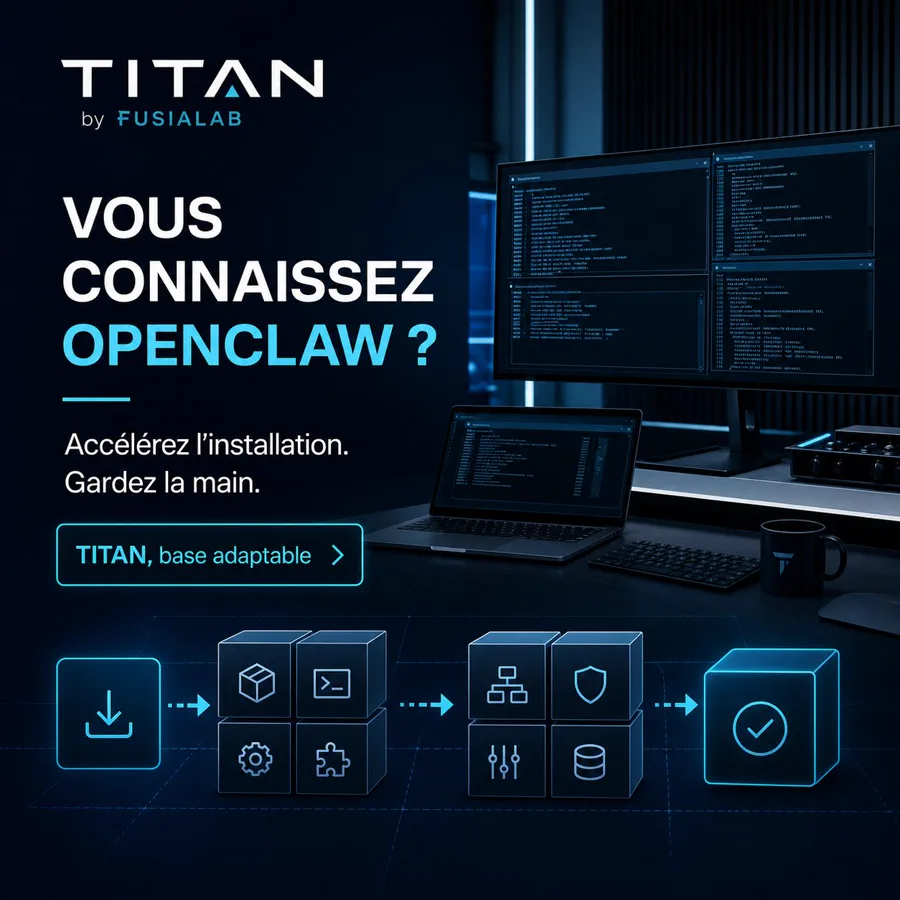
TITAN is not a new closed AI: it’s a complete OpenClaw base, prepared to adapt to your existing Windows. It installs, configures, secures and backs up your assistant without a TITAN subscription and without locking you in.
Compare offers · One-off payment · TITAN automatic from €49 inc. VAT
OPENCLAW, NOT A CLOSED PLATFORM
You find OpenClaw, its tools, its memory, its channels and its possibilities for evolution. TITAN prepares a healthy base on the PC you already use, without replacing OpenClaw with a proprietary interface or blocking administration.
Prerequisites, checks and settings are carried out in the correct order, with a readable final report.
The same process can be restarted on another compatible Windows with a licence tailored to each computer, without reinventing the wheel.
No mandatory dashboard that masks or limits OpenClaw: your accounts, your settings and your machine remain yours.
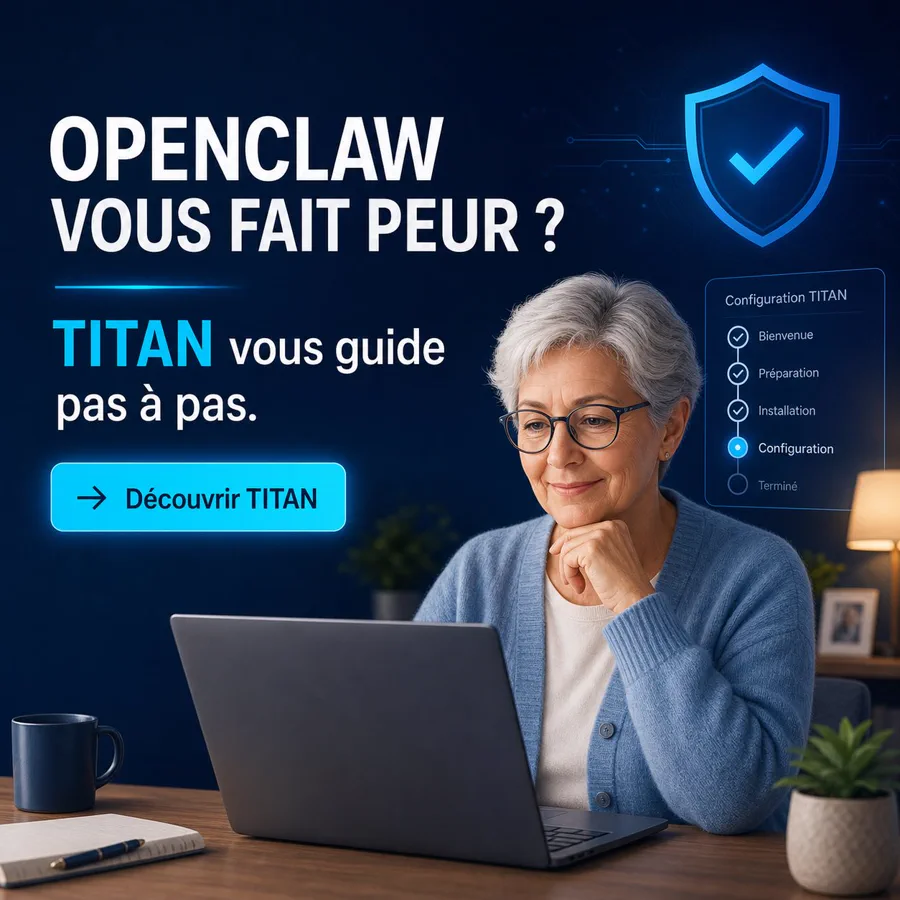
DOES OPENCLAW SEEM COMPLICATED?
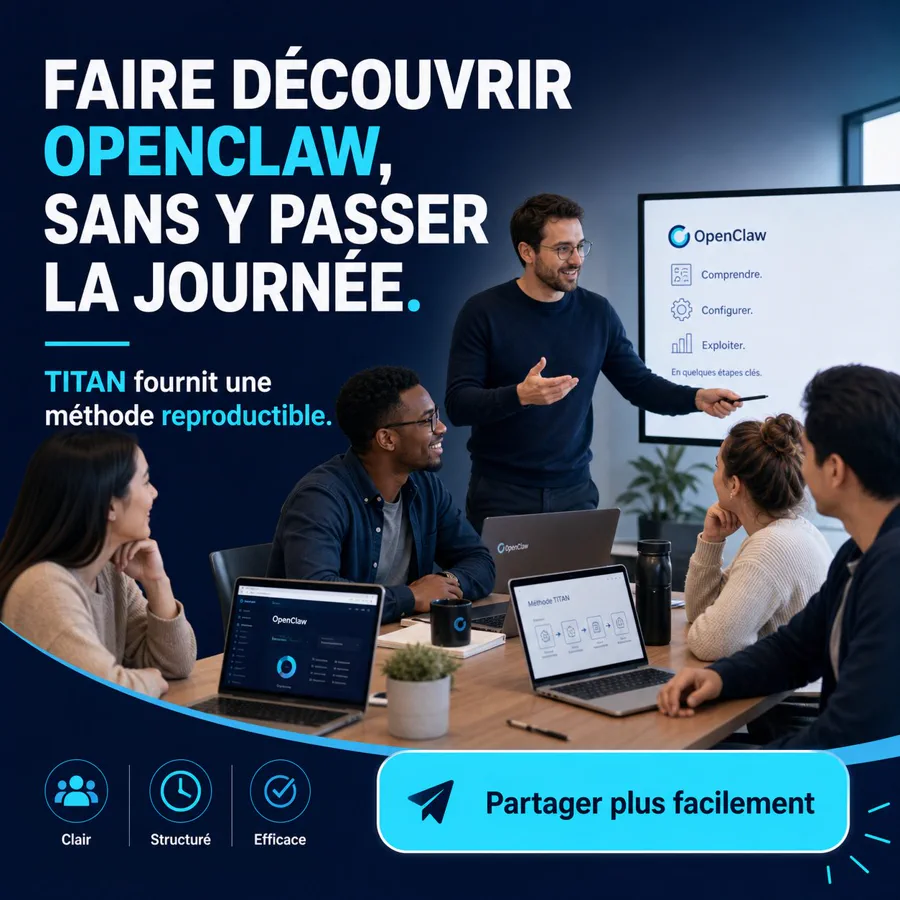
Between PowerShell, Node.js, AI accounts, the gateway, permissions, memory and backups, configuring OpenClaw alone can take hours of research and several attempts. TITAN brings the steps together in the right order and helps you check each result.
Prerequisites, installation and commands are organised in a readable French pathway.
Easy installationAudit, permissions, backup and checks reduce errors before adding automations.
Secure OpenClawA reproducible base avoids rebuilding the entire procedure and speeds up deployment.
Time savedA CLEAR AND CUSTOMISABLE BASE
SECURITY FIRST
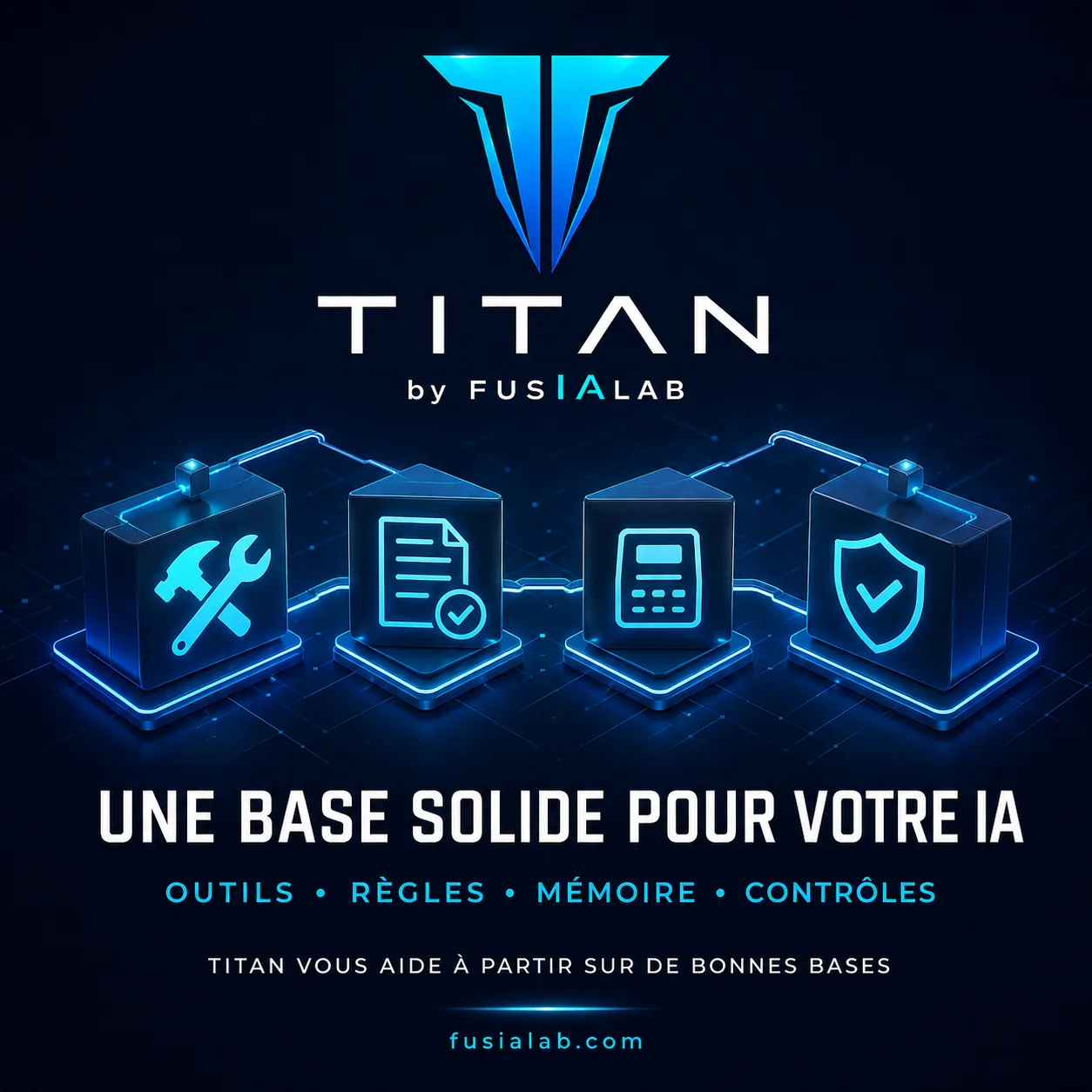
TITAN organises the installation in the right order: real state, backup, reduction of attack surface, private permissions, isolation, then only the tools and automations.
Audit and updates
Secrets outside of documents
Sandbox before untrusted content
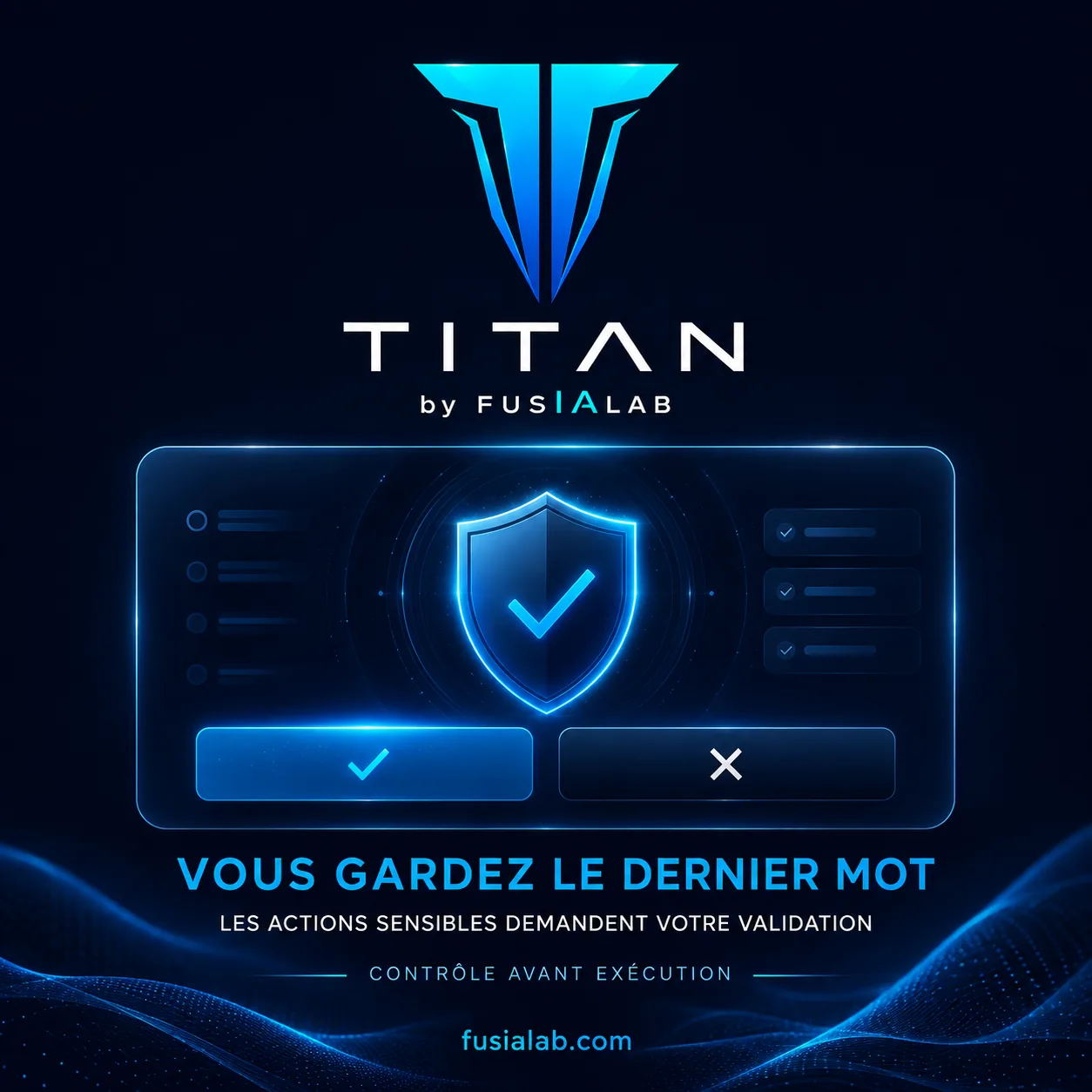
Sensitive actions with validation
Backup and restore tested
Trials and durations always bounded
A SIMPLE PATH
The journey separates manual actions, diagnostics and customisation so as never to ask for your passwords or tokens.
A first guide accompanies you to install OpenClaw and connect your own account through official mechanisms.
Manual actionTITAN collects only useful specifications: system, processor, memory, disks, GPU and security status.
Read-onlyYour assistant receives the personalised instructions: security, backups, memory, compatible local models and final checks.
Guided and verifiableA MEMORY THAT STAYS ORGANISED
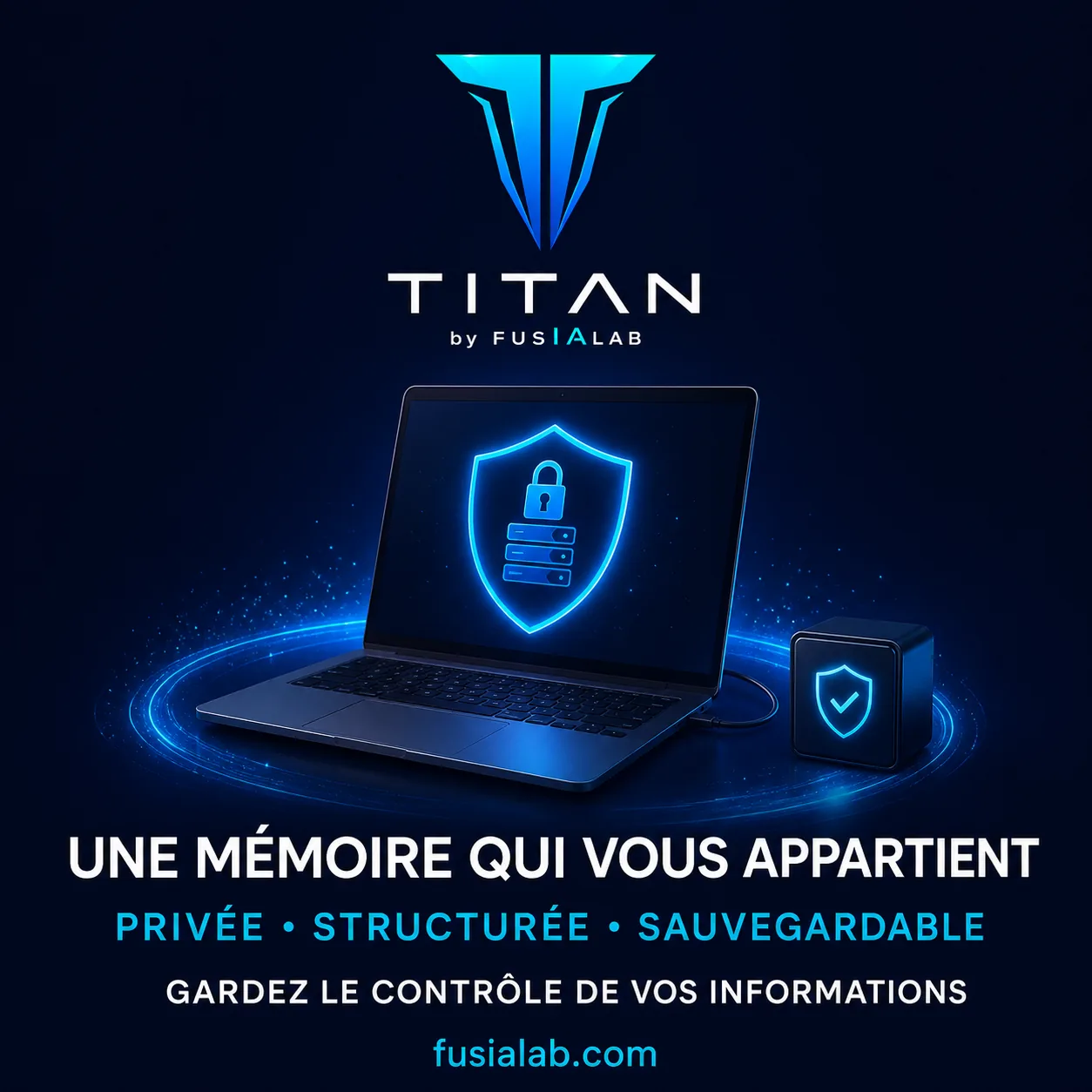
TITAN prepares a local memory structured in five levels. The aim: to retrieve useful projects, decisions and preferences without turning all your conversations into a permanent file.
Immediate conversation context
Daily notes and active tasks
Durable, sorted and useful memory
Verifiable decisions, sources and evidence
Separate archives consulted as needed
Secrets excluded from guides and ordinary memory
A PERSONAL COACH, NOT AN AUTOMATIC PILOT
Reasonable sports goals, learning, writing, organisation, creative or technical projects: your assistant can follow the context and suggest the next step. Medical, legal, financial or consequential subjects remain subject to a professional and your validation.
AN INTELLIGENCE GUIDED BY YOUR CHOICES
TITAN prepares an assistant capable of acting on the safe local tasks you entrust to it, while seeking your agreement before a expense, a sending, a publication, a significant change or a difficult-to-reverse action. Rules serve to prevent errors, not to make the assistant useless.
Never invent a result or hide an uncertainty
Warn before a risky, costly or external action
Request explicit authorisation when necessary
Prioritise local and limit data transmitted
Explain the blockage and propose a safe solution
Retain useful history without storing secrets
A FUSIALAB PROJECT — COMING SOON
TITAN is a dedicated offering from FUSIALAB. It benefits from its security framework while remaining distinct from other FUSIALAB projects and services.
TITAN AUTOMATIC
49 € inc. VAT Final price · one-off payment
A new PC will require a new licence. Activation, update and hardware replacement conditions are detailed on the offer page.
Read the licence termsTITAN ASSISTED
149 € inc. VAT One-off payment · installation and documents included
Subject to a compatible, up-to-date computer, administrator access and a stable connection. No permanent access is installed.
Passwords, recovery codes, tokens, WhatsApp QR codes and payment methods are entered solely by the client. Any third-party services remain subject to their own terms and prices.
Choose automatic installation or the same installation accompanied remotely by a human.
A CONFIGURATION THAT EVOLVES WITH YOU
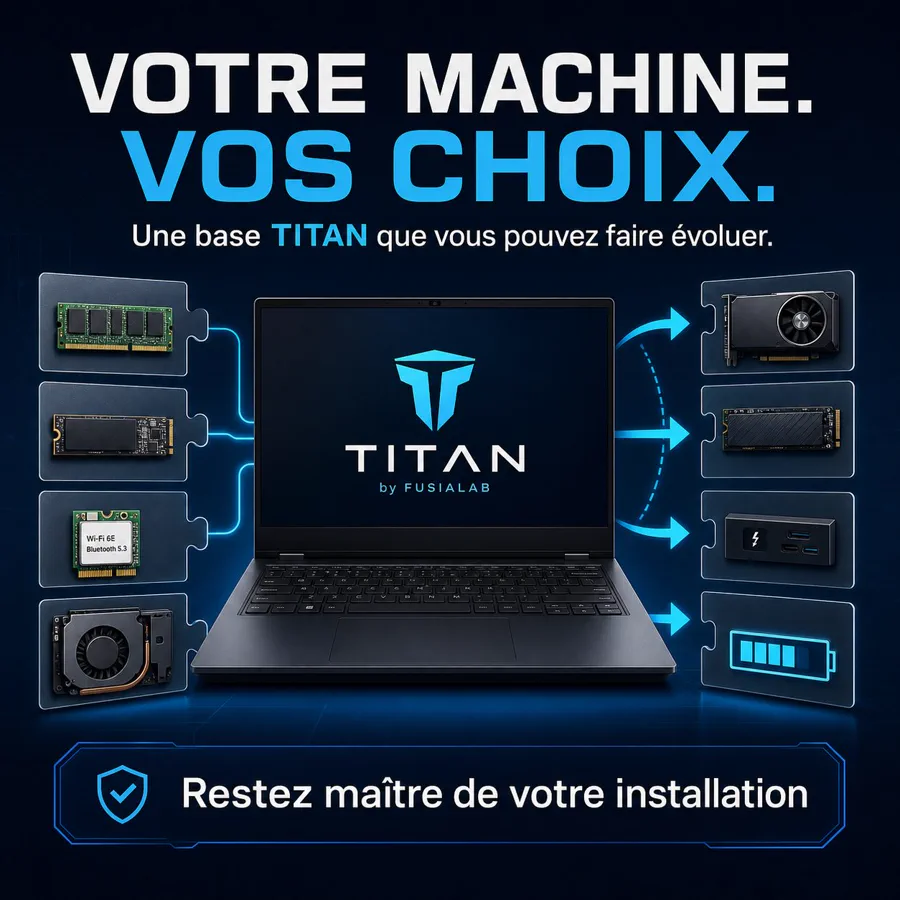
A mini-PC is sufficient to install a TITAN base, structure memory and start initial projects. A more powerful machine gradually allows more tasks to be assigned to local models. You don't start from scratch: memory, rules and projects are designed to be saved and then transferred during a controlled evolution.
The cloud can handle the most demanding reasoning while the personal base is built locally.
Writing, sorting, searching and simple automations can be assigned to compatible models after benchmarking.
More capable models, vision and specialised agents can further reduce reliance on remote services.
Preserve cloud quotas: Tasks suited to local processing do not consume ChatGPT, Claude or Gemini quotas.
Keep more data at home: Local processing avoids sending data to the cloud when it is not necessary.
Control costs: Any third-party subscription remains the user's choice, while better local/cloud distribution can make it last longer.
Evolving TITAN: Models and tools are reassessed based on the processor, RAM, GPU, requirements, and compatible versions.
Quotas, prices, and terms of cloud services are set by their providers and may change. TITAN does not promise unlimited quotas, guaranteed savings, or entirely local execution on all machines. Installed models depend on hardware, licences, and measured results.
FREQUENTLY ASKED QUESTIONS
FUSIALAB does not impose any subscription. Some third-party services, cloud accounts, domain names, or models may have their own terms and costs. Local models use your hardware and electricity.
TITAN organises prerequisites, installation, official connection to the AI provider, gateway checks, and backup. The automatic offer provides the steps to follow; the assisted offer adds remote support from a French-speaking technician.
OpenClaw combines several components: Windows environment, PowerShell, Node.js, authentication, local gateway, permissions, and configuration files. TITAN does not replace OpenClaw: it structures these steps to reduce trial and error and make results verifiable.
Yes, depending on the machine’s state. TITAN starts with a diagnosis and avoids declaring a step successful without verification. The assisted offer is suited to those who prefer to be guided in front of their computer.
No. The process is designed to never request the sending of passwords, keys, tokens, QR codes, or secrets. Sensitive connections are made by the user in the official interfaces.
TITAN is a project by FUSIALAB, developed and supported in French. The company’s official information is accessible in the legal notices.
The client stays in front of their screen, authorises the connection with a temporary code, and enters their secrets themselves. The session is closed at the end and no permanent access is retained. Recording is disabled by default.
It separates immediate context, working notes, durable memory, sourced decisions and archives. Information is only retained when it is useful and secrets remain outside of ordinary memory.
TITAN can begin on modest hardware with light memory, organisation and tools, then use a user-chosen cloud service for heavy tasks. If the hardware is upgraded, more processing can move locally after verification, without abandoning existing projects.
It can reduce consumption: each task run locally does not use the quota of the relevant cloud service. However, this depends on the hardware, compatible models and the provider’s rules; TITAN does not promise unlimited quotas.
No system is invulnerable. TITAN applies risk-reduction measures and provides verifiable controls, but does not promise absolute security.
No. FUSIALAB is an independent project. OpenClaw, OpenAI, Mistral and the other names mentioned belong to their respective owners.
AFTER INSTALLATION: YOUR TURN TO CREATE
Once the base is prepared and secured, your assistant can help you write, organise, programme, create and learn. Each project progresses with your instructions, validations and the tools you authorise.
Turn an idea into a specification, mockup, code, tests and a local version ready for verification before publication.
CodingImagine the rules, characters and levels, then gradually build a playable and documented prototype.
Video gameSort documents, prepare spreadsheets, track invoices and deadlines, and write your procedures without replacing the accountant or lawyer.
BusinessSort your memories, build an outline and turn your stories into chapters reviewed with you.
WritingPrepare ideas, scripts, storyboards, titles, descriptions and publishing schedules, then keep the final approval.
VideoWork on a presentation, poster, illustration or identity based on your validated instructions and references.
DesignLanguages, IT, cooking or DIY: get a progressive learning path, exercises and tailored explanations.
LearningBreak down objectives into tasks, deadlines, reminders, lists and checks without losing decisions made along the way.
OrganisationDescribe your need: the assistant helps you to check feasibility, structure the steps and choose the right tools.
Custom